You may already have been at this point: You have a new app idea - maybe web app, desktop app or mobile app - but need a way to store the data. Setting up a database and a backend including authentication, authorization and much more is - especially for smaller projects - often too cumbersome. Luckily there are great solutions to overcome this step: (Open-source) solutions that got you covered!
Today I start the series about these solutions with Pocketbase. It is an open-source solution written in Go, that might be your starting point for the next project.
The following list will be updated as we go along.
Part 1: Pocketbase (current article)
Part 2: Supabase (coming soon)
Part 3: Strapi (coming soon)
Part 4: Directus (coming soon)
Part 5: Firebase (coming soon)
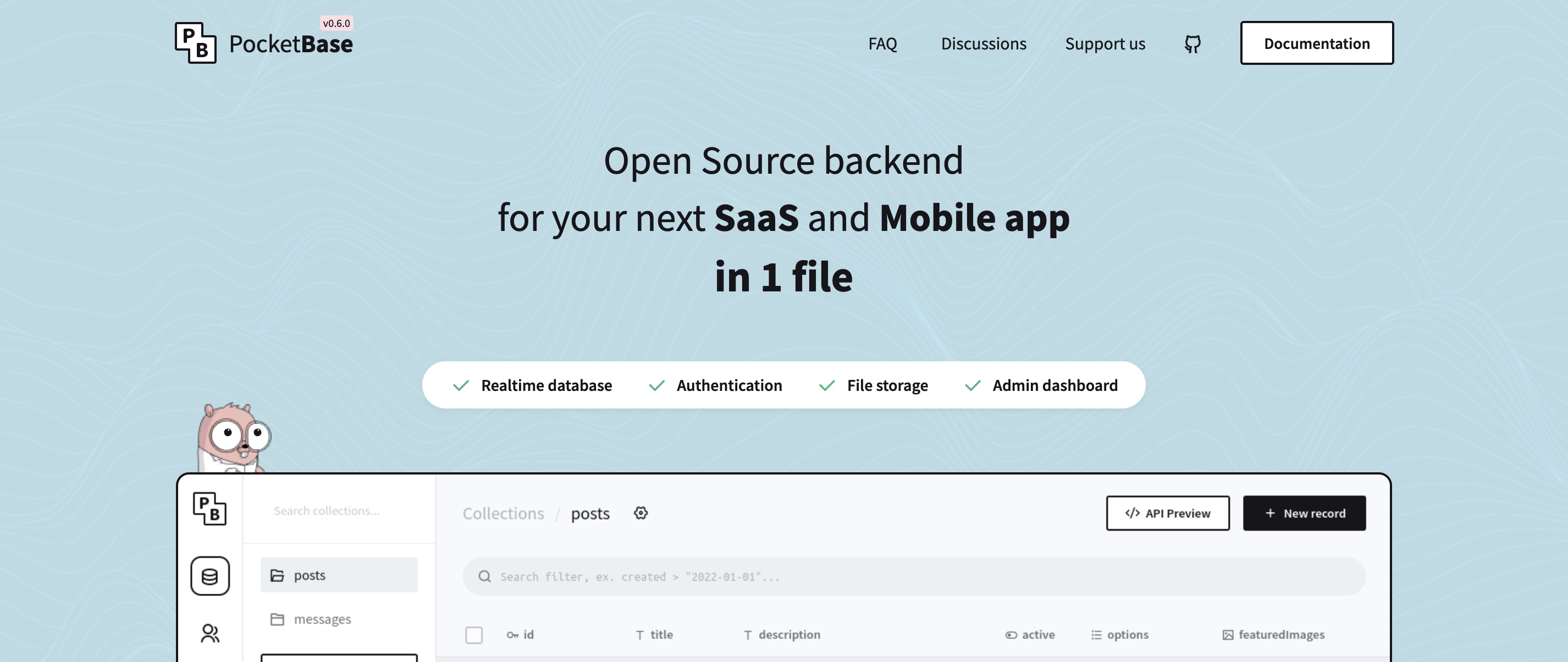
According to their website, Pocketbase claims to be the
Open Source backend for your next SaaS and Mobile app in 1 file.
Moreover, it is written in Go and has a lot of features included:
(Realtime) SQL Database
Authentication
File storage
Can be extended with custom code
The outstanding point, however, might be the fact that you can setup your whole project in just a single Go file! You don't need a complex folder and file structure. Just initialize Pocketbase with a few lines of code and you're good to go!
You don't know Go? No problem. If you don't want to customize your project a lot but are fine with the default setup, you don't need to write more Go than the few lines for the setup.
First, create a new folder for your project and run the following lines in your terminal:
go mod init pocketbase-baas
go get github.com/pocketbase/pocketbase
touch main.go
And paste the following lines into the created main.go file:
package main

import (
    "log"
    "github.com/pocketbase/pocketbase"
)

func main() {
    app := pocketbase.New()

    if err := app.Start(); err != nil {
        log.Fatal(err)
    }
}
See also their documentation.
And that's it! Awesome, right?
Next, start the server by running go run main.go serve in the created directory and visit http://localhost:8090/_.
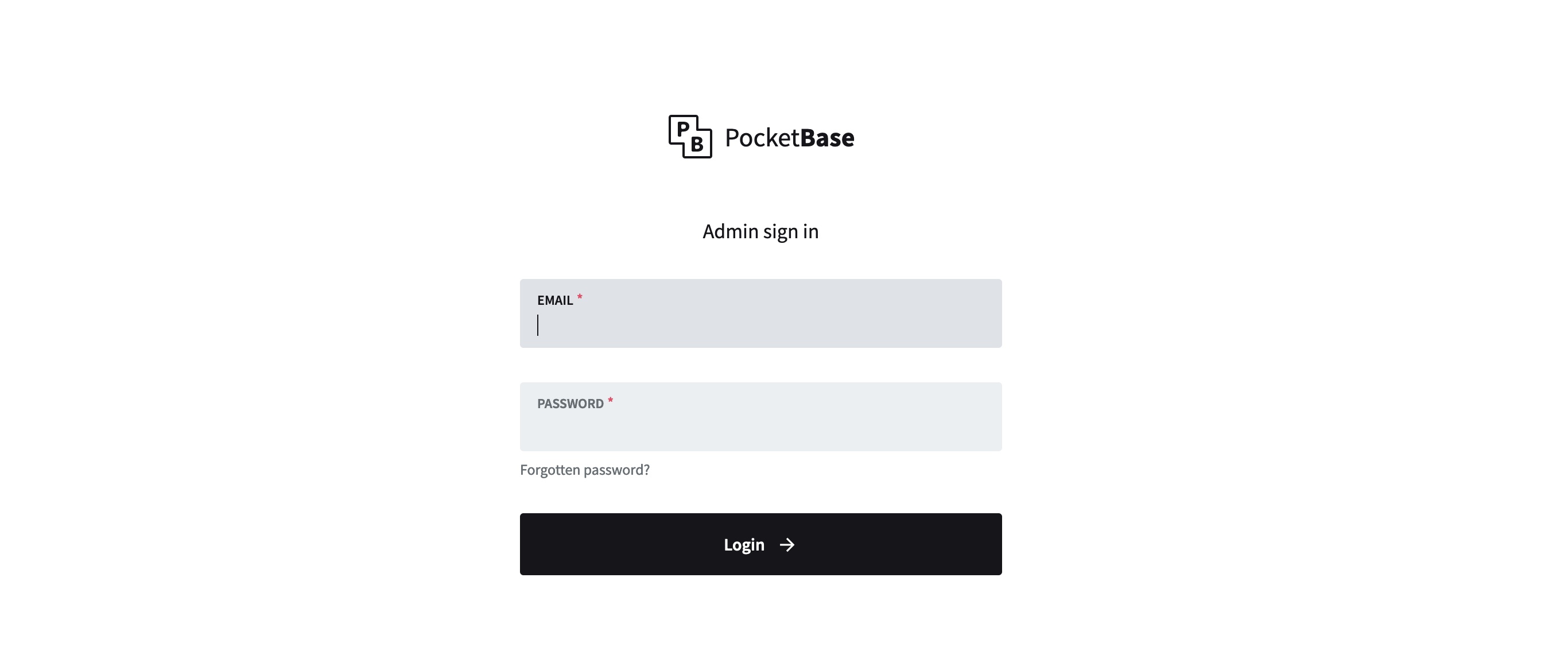
After you created an Admin account, you can login.
By default, Pocketbase has SQLite embedded, so you even don't need to setup a database. Pocketbase is handling it all behind the scenes.
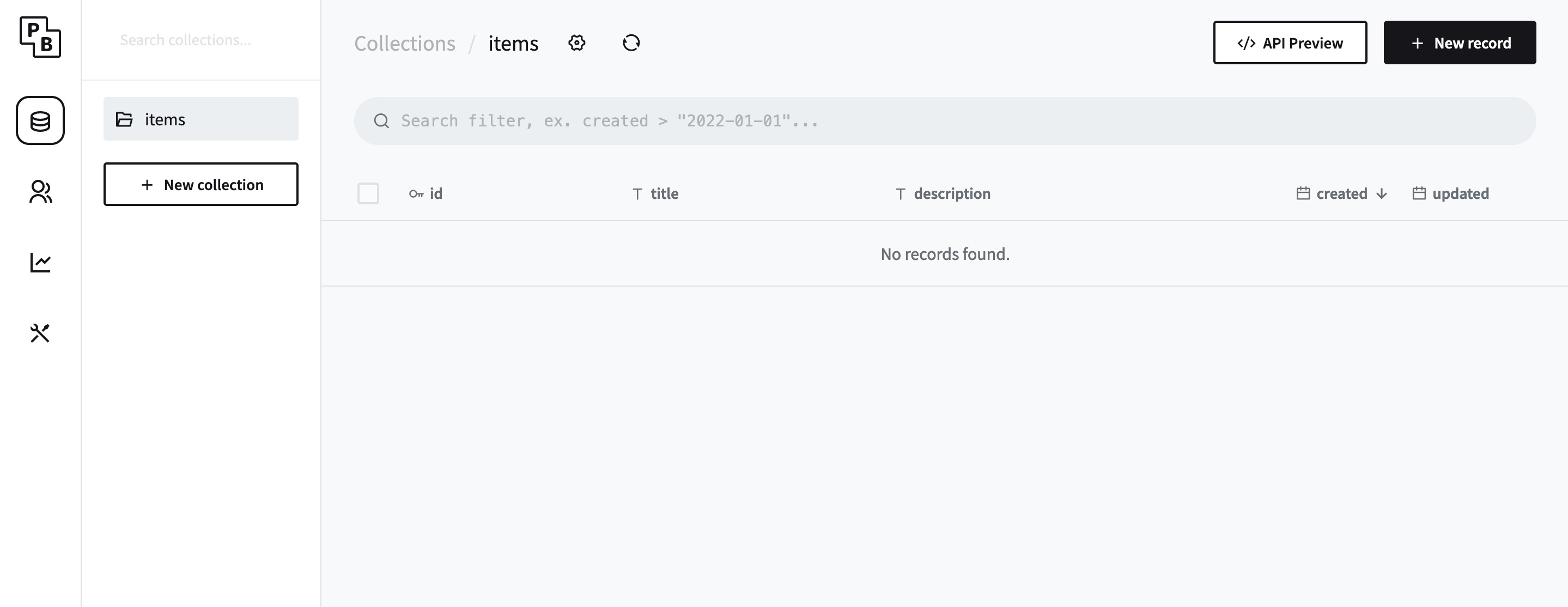
Easily create new collections starting from the dashbaord.
Now that the setup is out of the way, we can start building out our data structure.
Just hit the New Collection button and create your data structure.
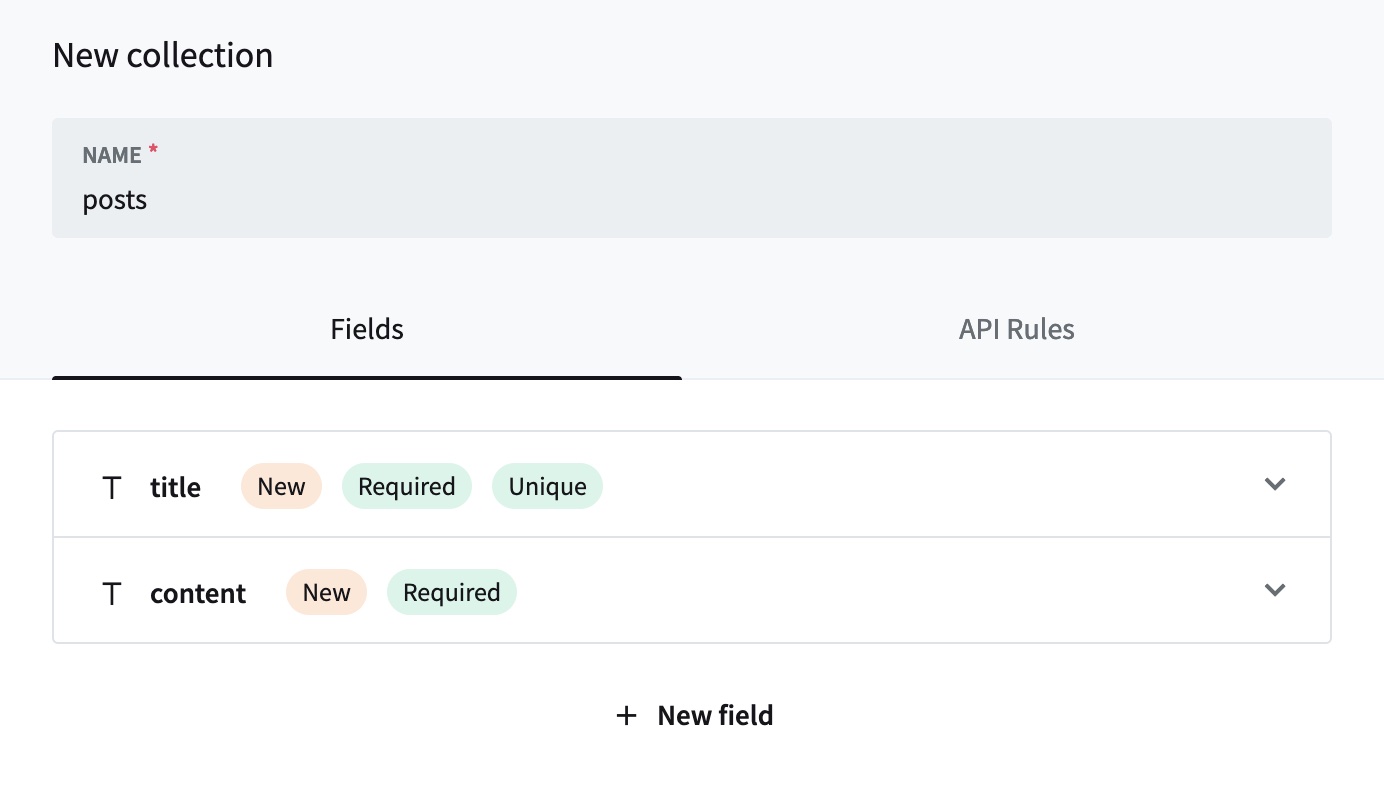
By default all API endpoints - automatically generated btw - are secured so that you don't have any access to them. If you want to be able to fetch posts via the REST API, you can update the API rules accordingly.

When editing a collection, you can set custom api rules.
To do so, edit the created collection and switch to the tab "API Rules". There you have several options:
Only admin access (default setting for all endpoints)
Open for everyone (see settings in the screenshot above)
Set custom API rules (see their documentation)
In the above exmple, I only opened 2 endpoints: One for fetching all records of the collection (/api/collections/posts/records) and the other one for fetching only single records by their id (/api/collections/posts/records/:id).
You get also an automatically generated API documentation with all endpoints by clicking the "API Preview" button in the upper right corner.
One of the easiest deployment setups is to use Fly.io. Just a few minutes and your Pocketbase project is out there for free.
In my case, I use Docker to deploy Pocketbase:
FROM golang:1.19-buster

# build
WORKDIR /app

COPY go.mod ./
COPY go.sum ./

RUN go mod download

COPY main.go ./
RUN go build -o start


EXPOSE 8080

CMD ["./start", "serve", "--http", "0.0.0.0:8080"]
Once you've installed the fly cli, run fly launch within the project directory, and follow the setup steps.
Once your project is initialized and everything is set up, you can run fly deploy and can check the further process in the fly.io Dashboard.
Caution! In order to not loose created database entries when redeploying the application, you might want to create a fly.io volume and connect it to the application (check their docs for more information).
Pocketbase is quite powerful for both: Quickly setting up a project and creating a big(ger) backend application because it has all needed features included ready for you to use and enjoy.
If you need to extend Pocketbase with custom logic, you have to write Go code. If you don't want to do so, you might checkout some other BaaS solutions. So make sure to also check out my other blog posts on BaaS which will come soon!
Thank's for reading! See you around!
In order to see Pocketbase a more in action, I prepared a url-shortener using Pocketbase!
Checkout the Github repo and try it yourself!